SSMS LMS — Student Guide
Welcome to the SSMS Learning Portal!
Here you can watch lessons, take quizzes, and track your progress.
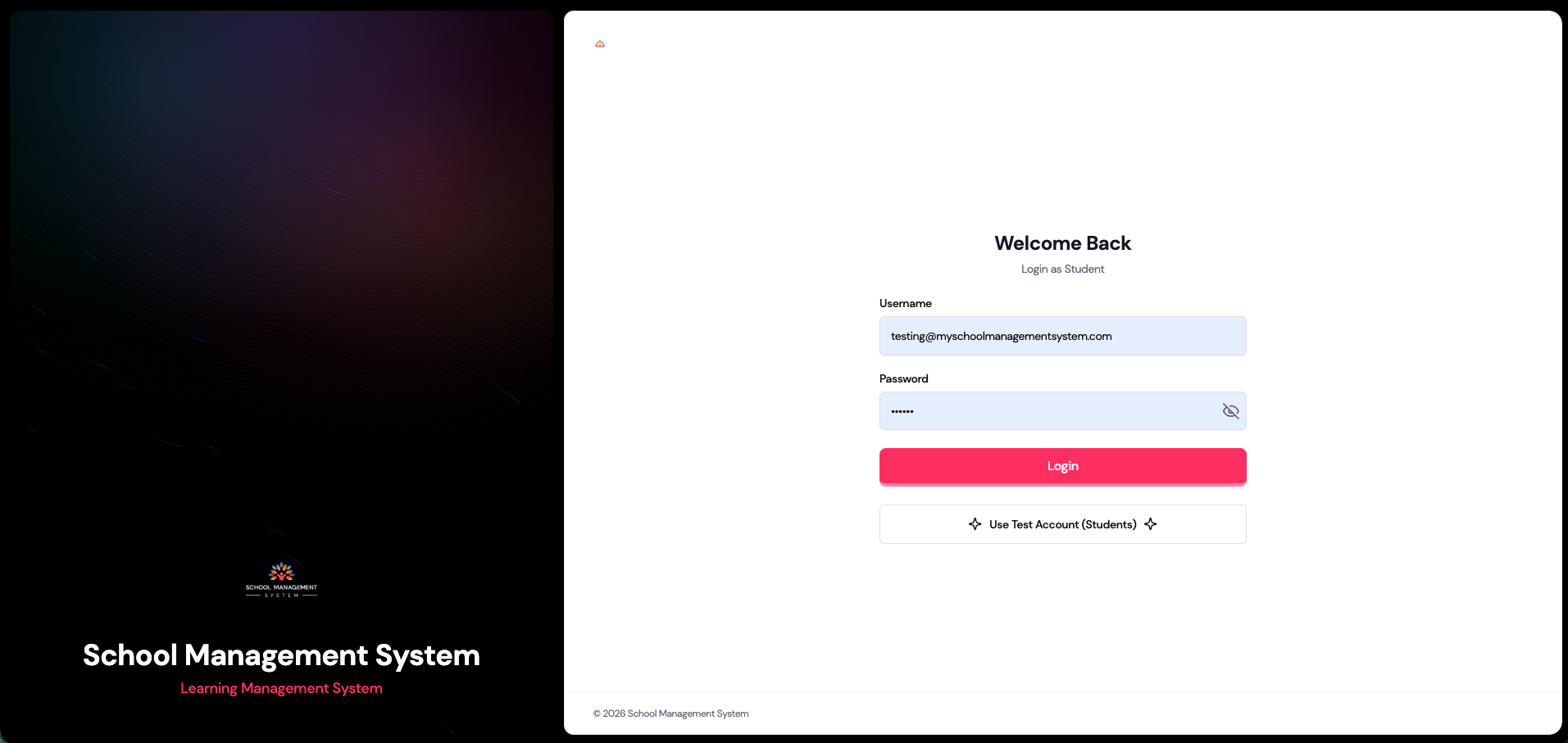
🔗 Login
- Use the direct student URL shared by your school
- Enter your username & password
- Click Login to open your dashboard
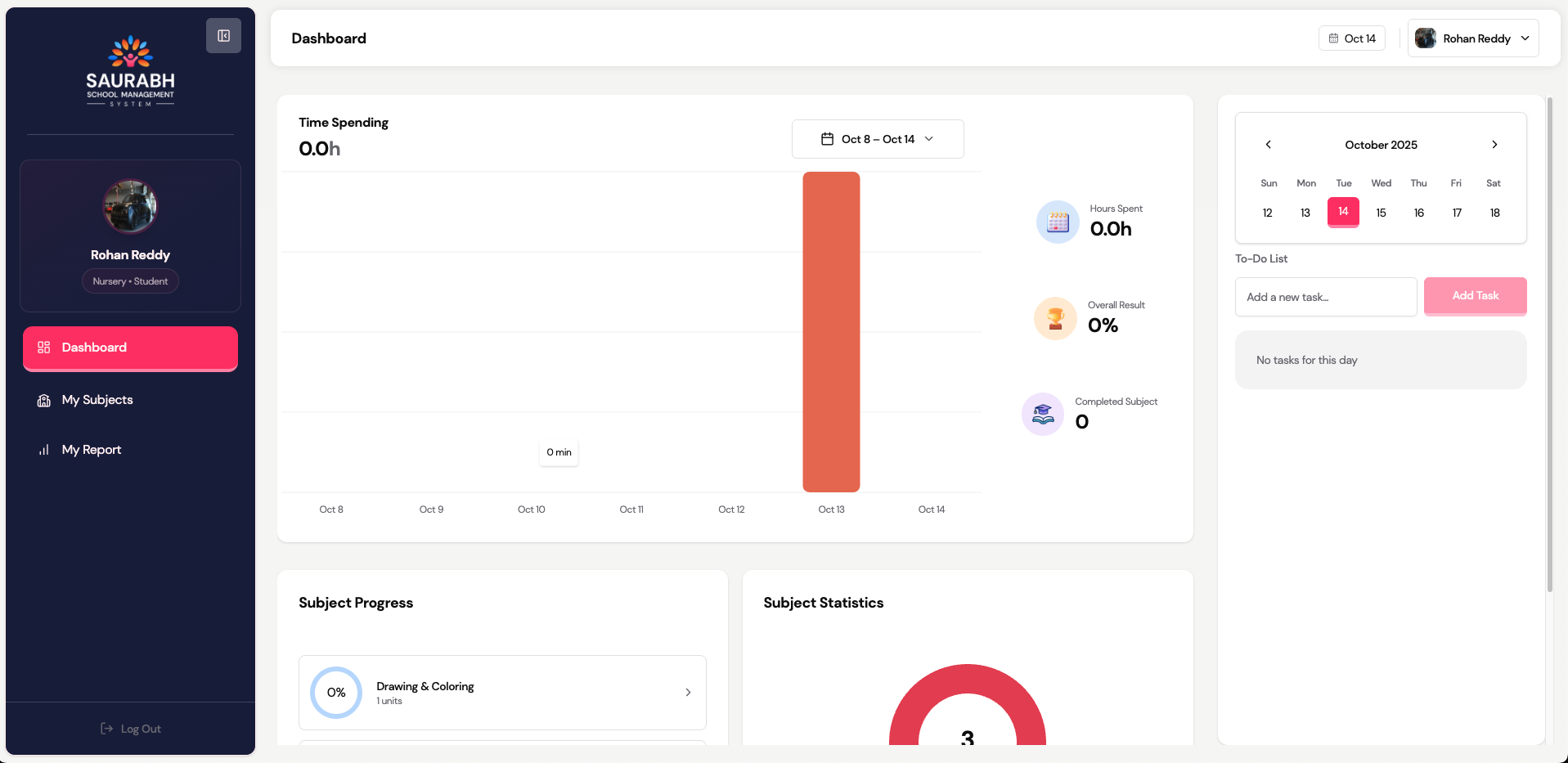
🏠 Dashboard Overview
Your dashboard shows:
- Total study time
- Weekly learning graph
- To-Do list for upcoming topics
- Subjects with progress bars
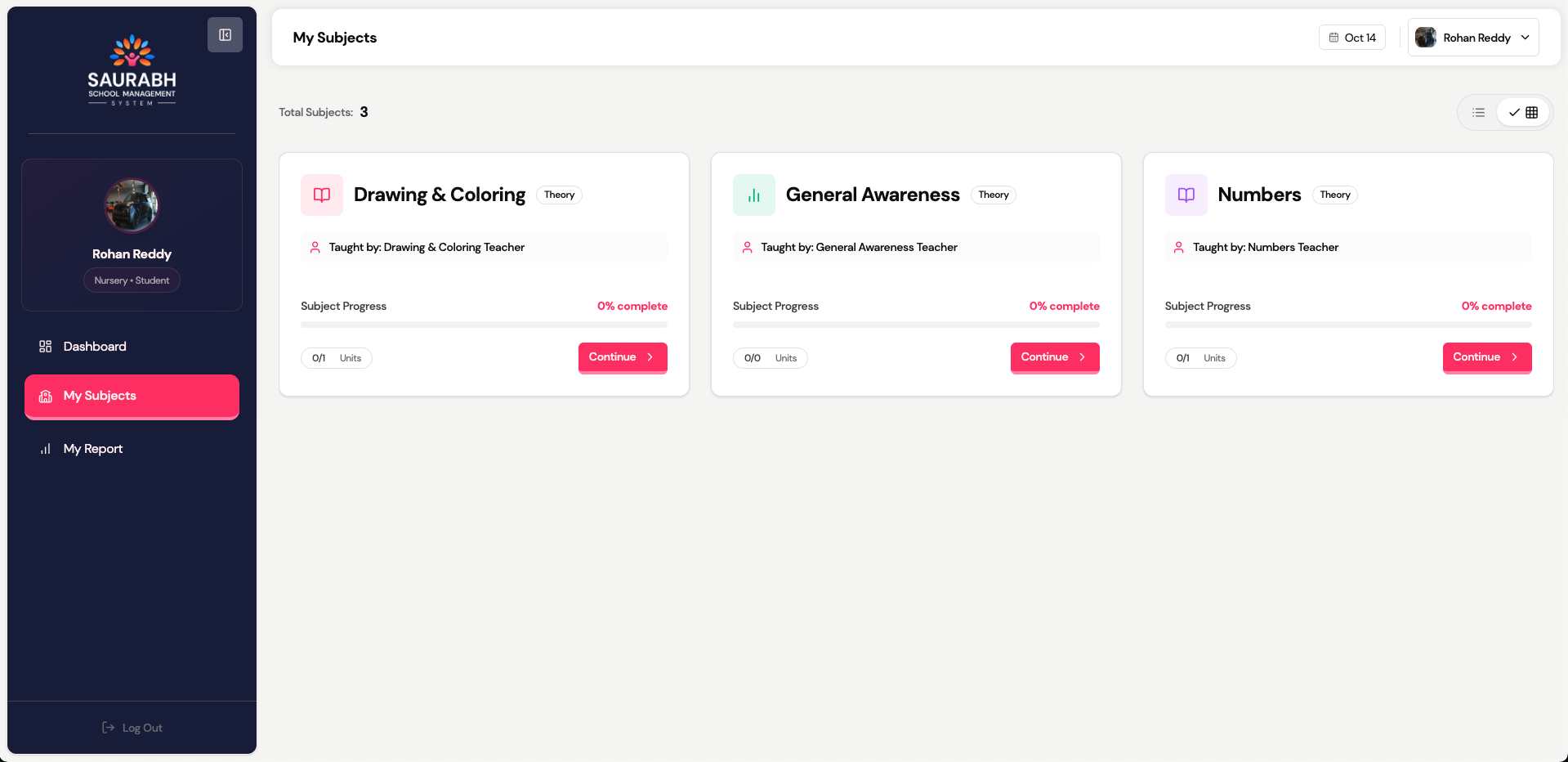
📘 My Subjects
Path: Dashboard → My Subjects
- Tap a subject to view its units & topics
- Each subject card shows progress %
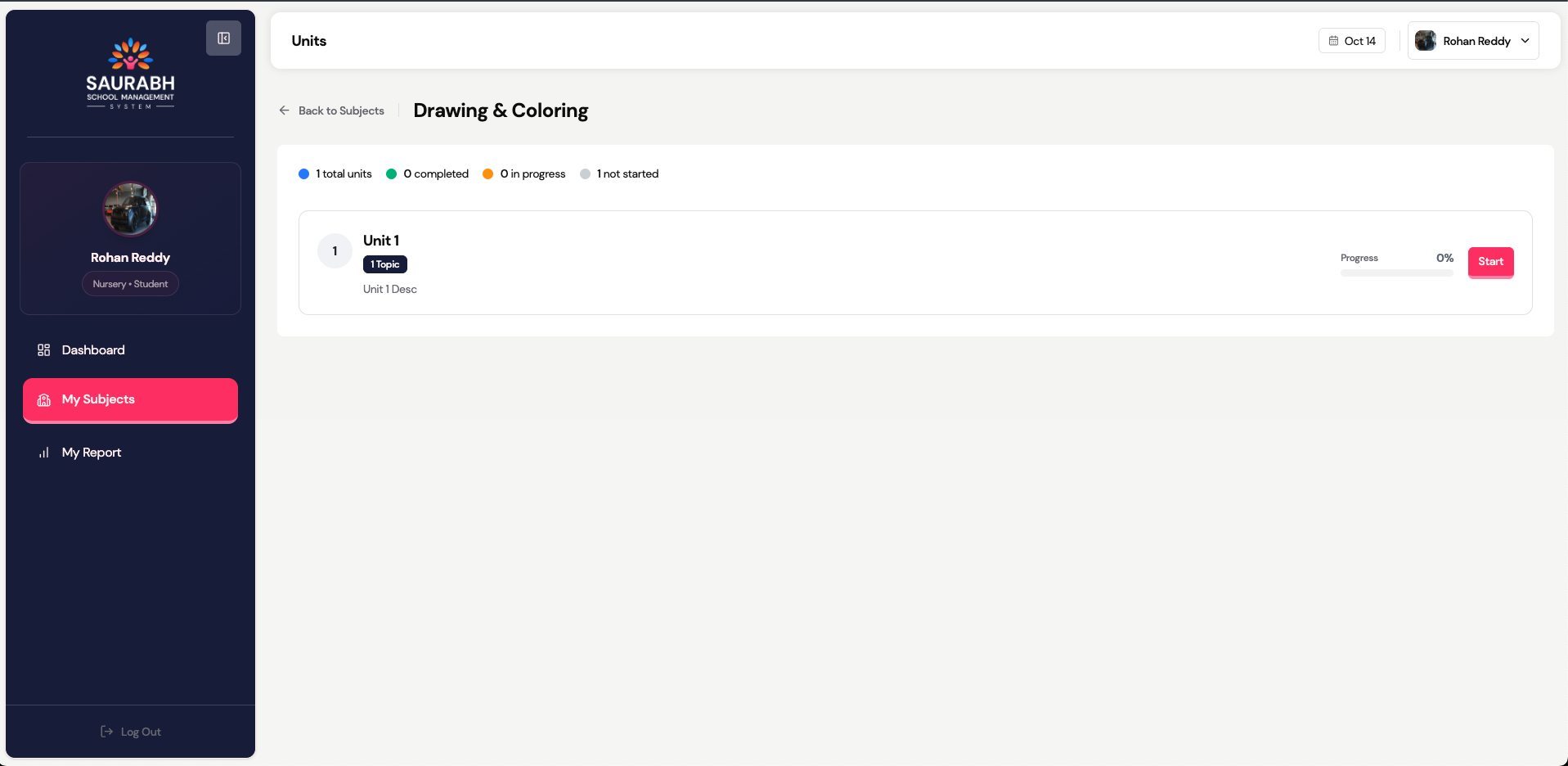
📚 Units & Topics
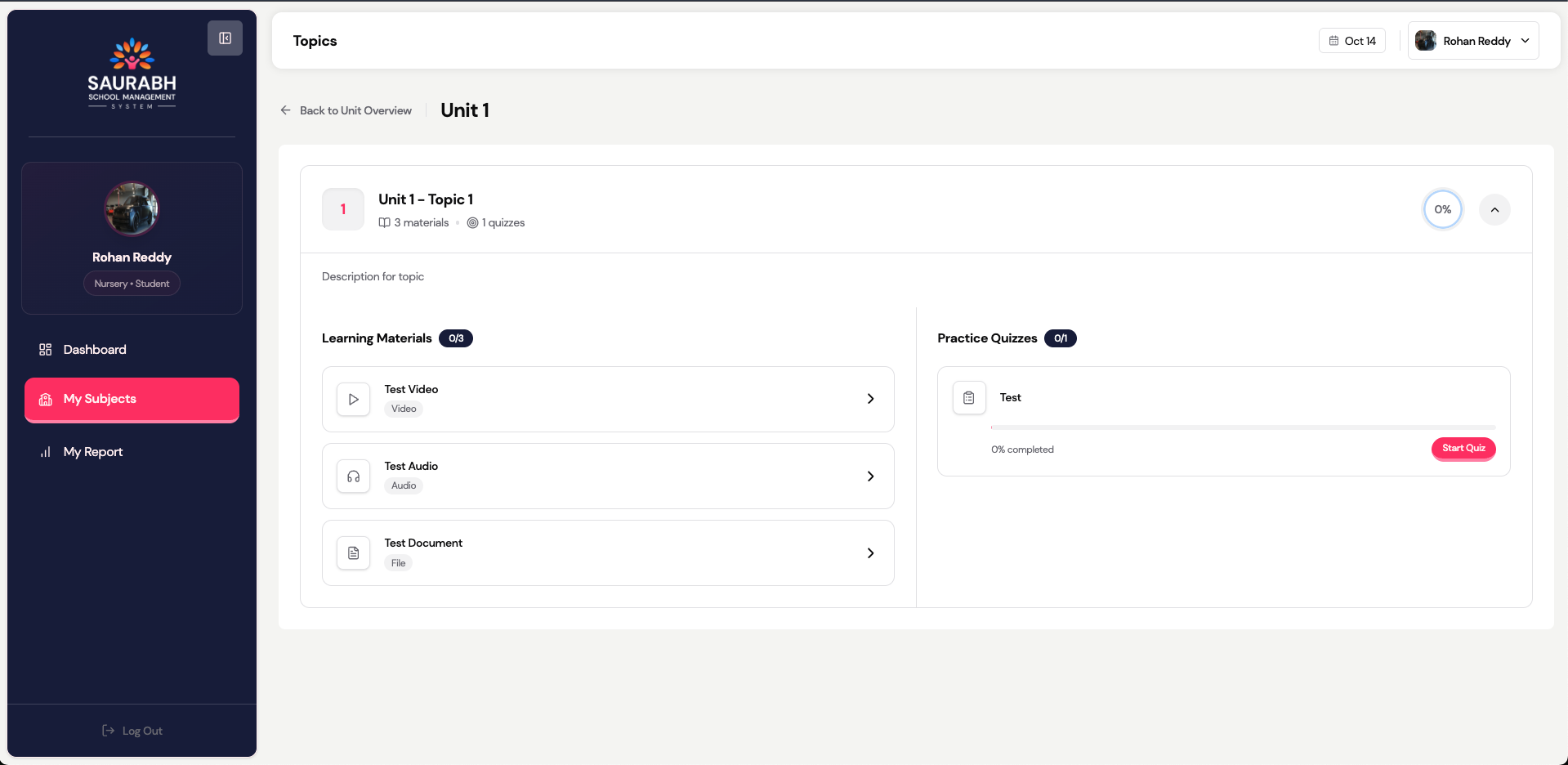
- Units contain lessons divided into smaller Topics
- Each Topic includes study materials and quizzes
- Tap Start to begin a topic
🎥 Study Materials
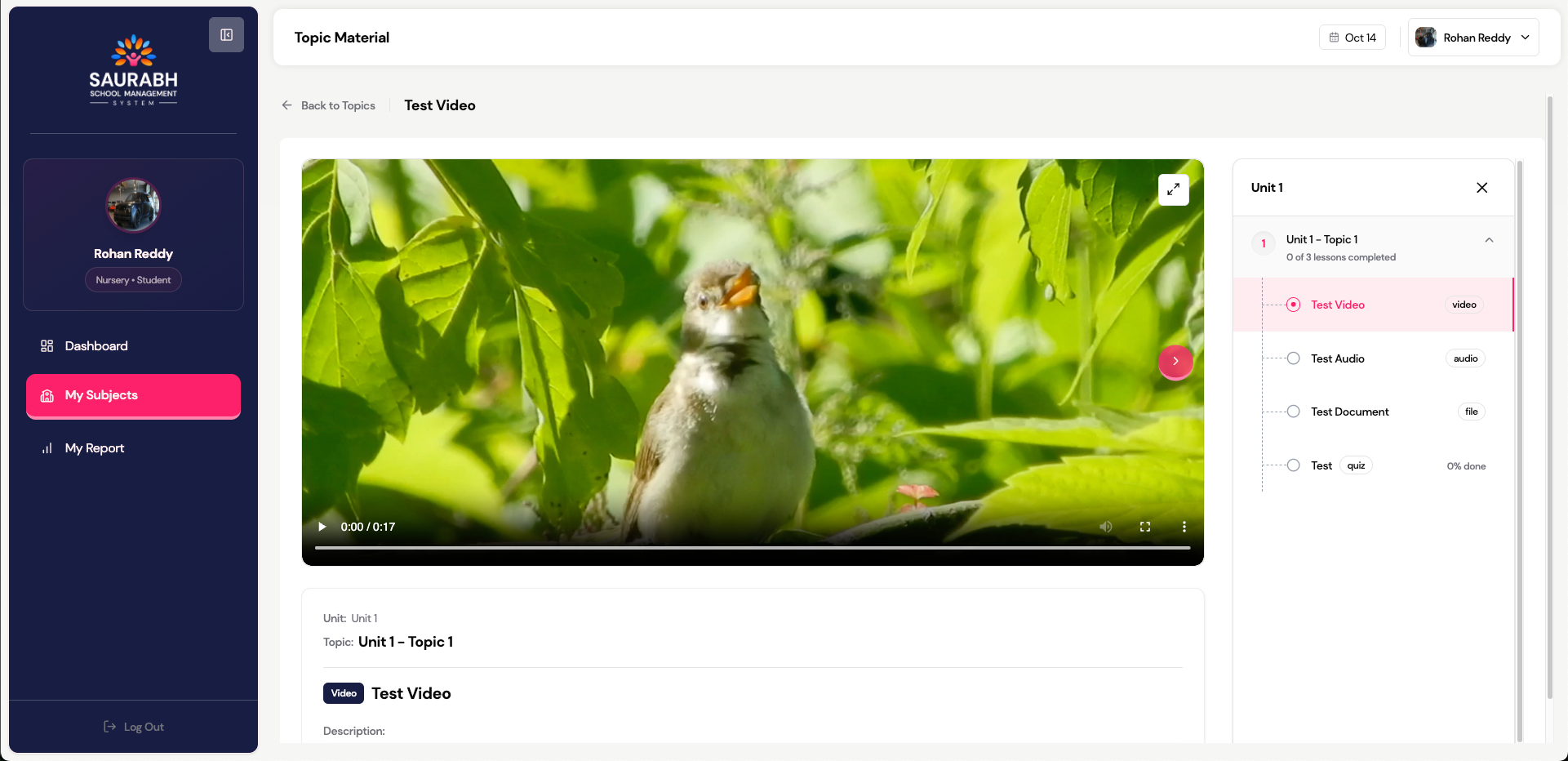
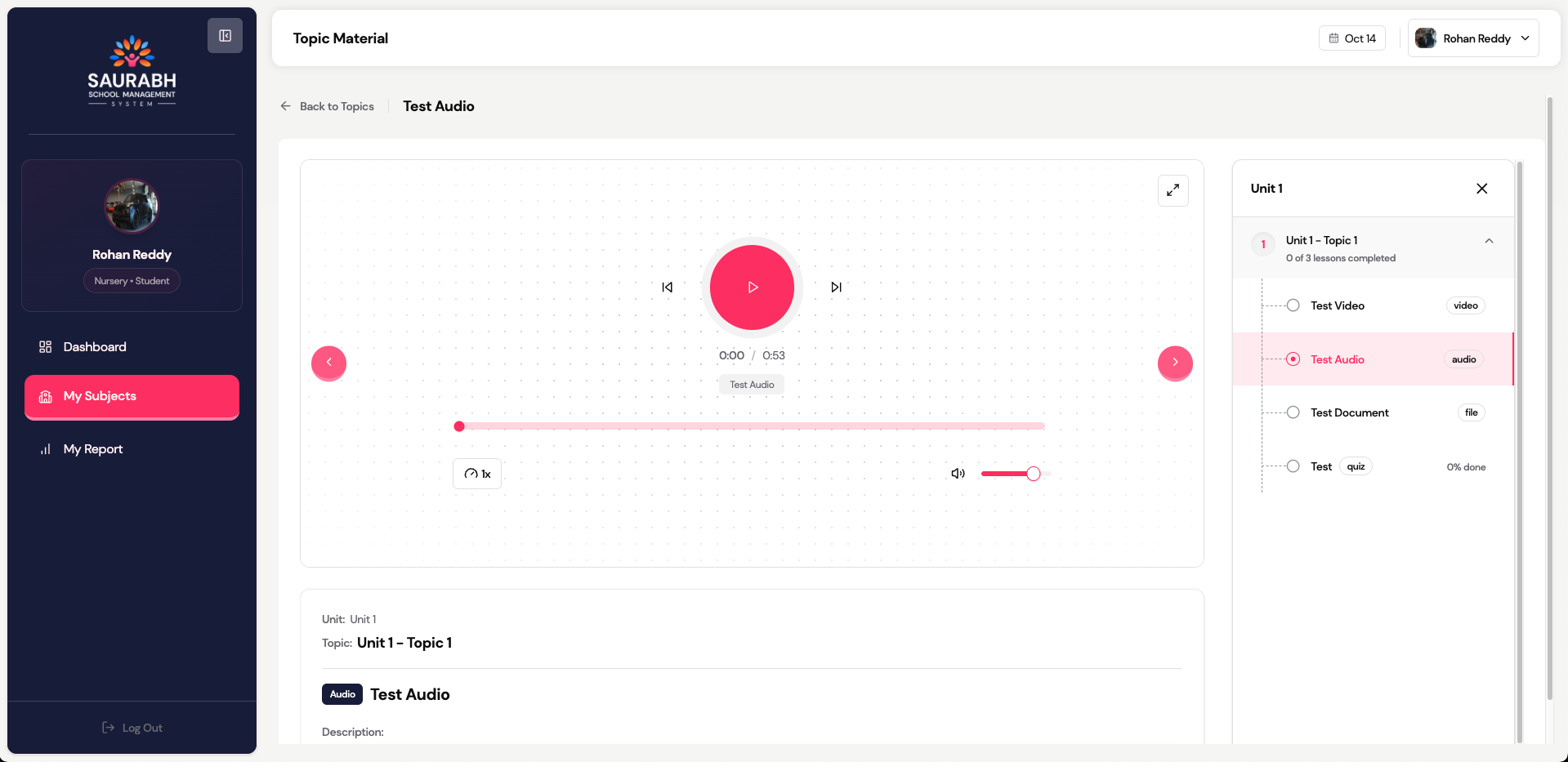
Available types:
- Video lessons (watch completely)
- Audio recordings
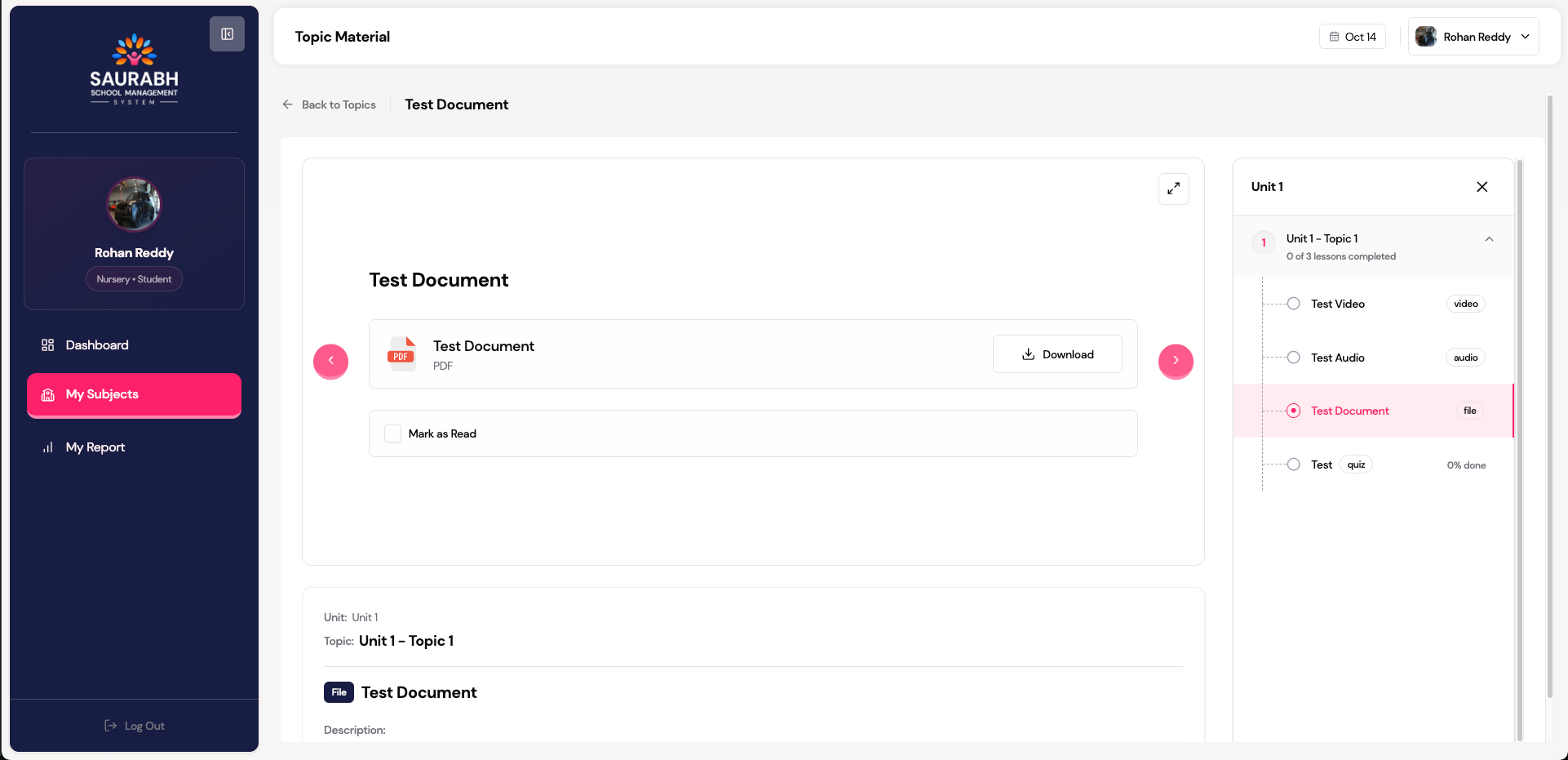
- PDF notes
- Links to reference sites
🧠 Quizzes
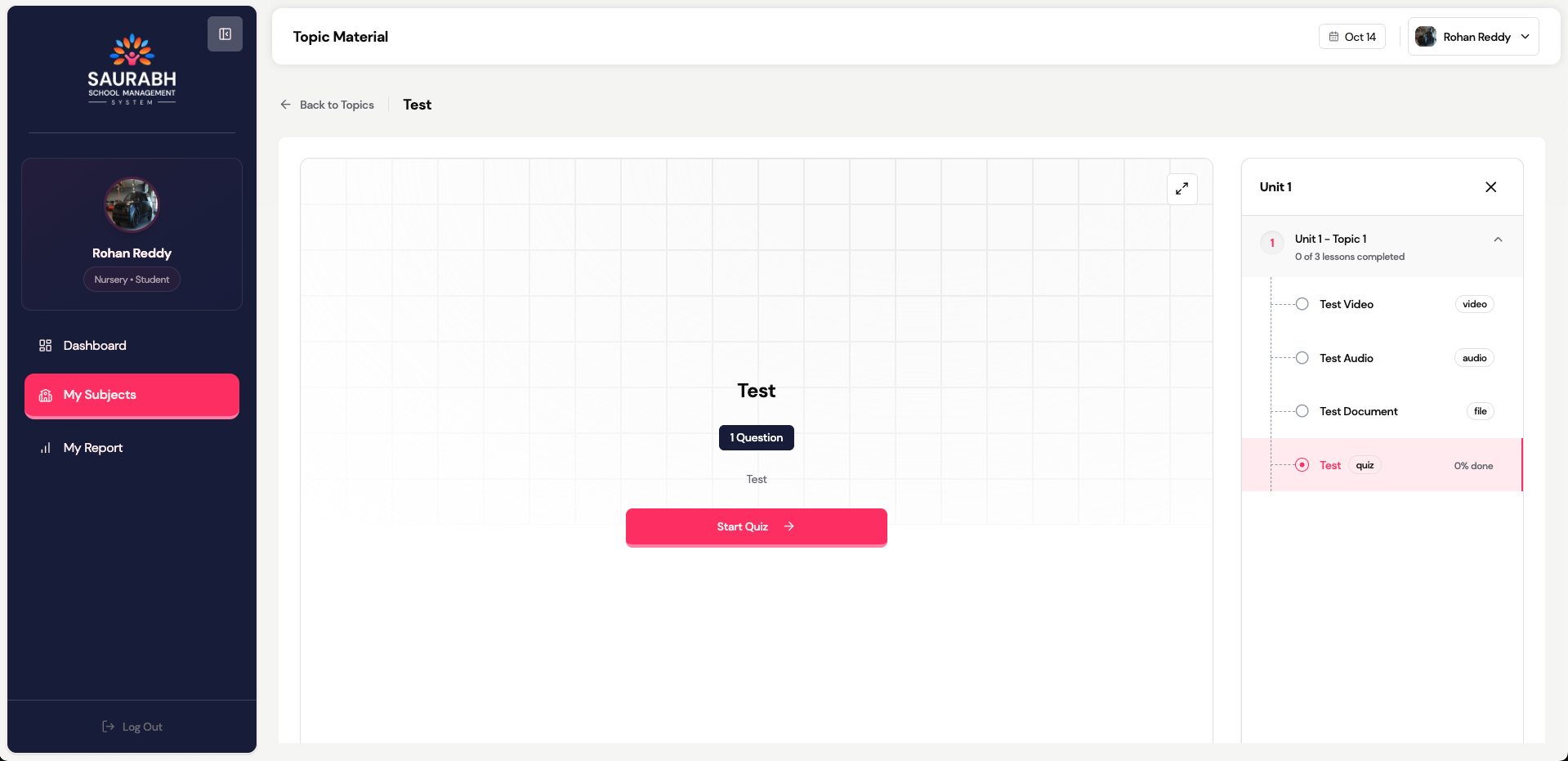
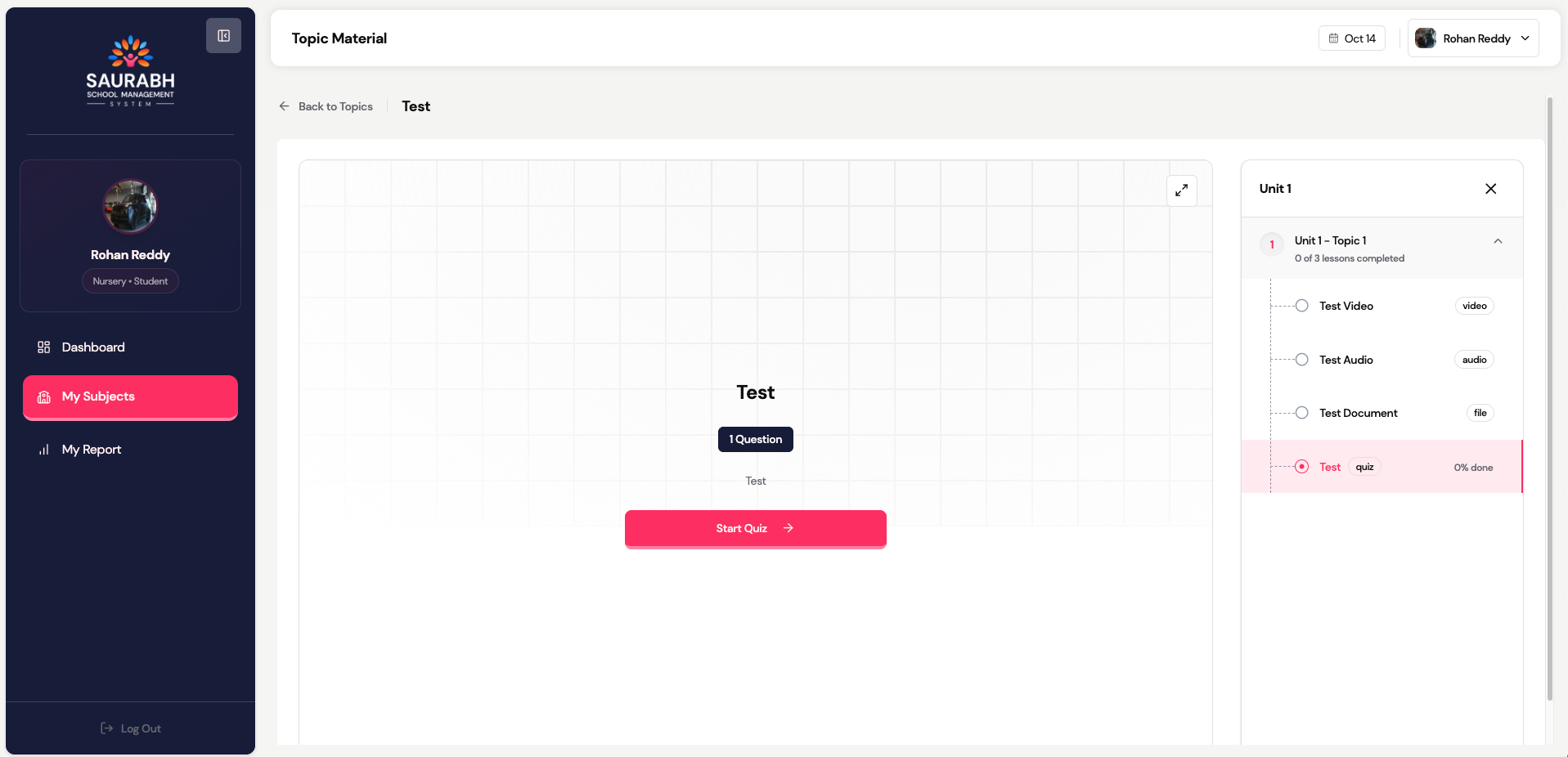
- After learning a topic, click Start Quiz
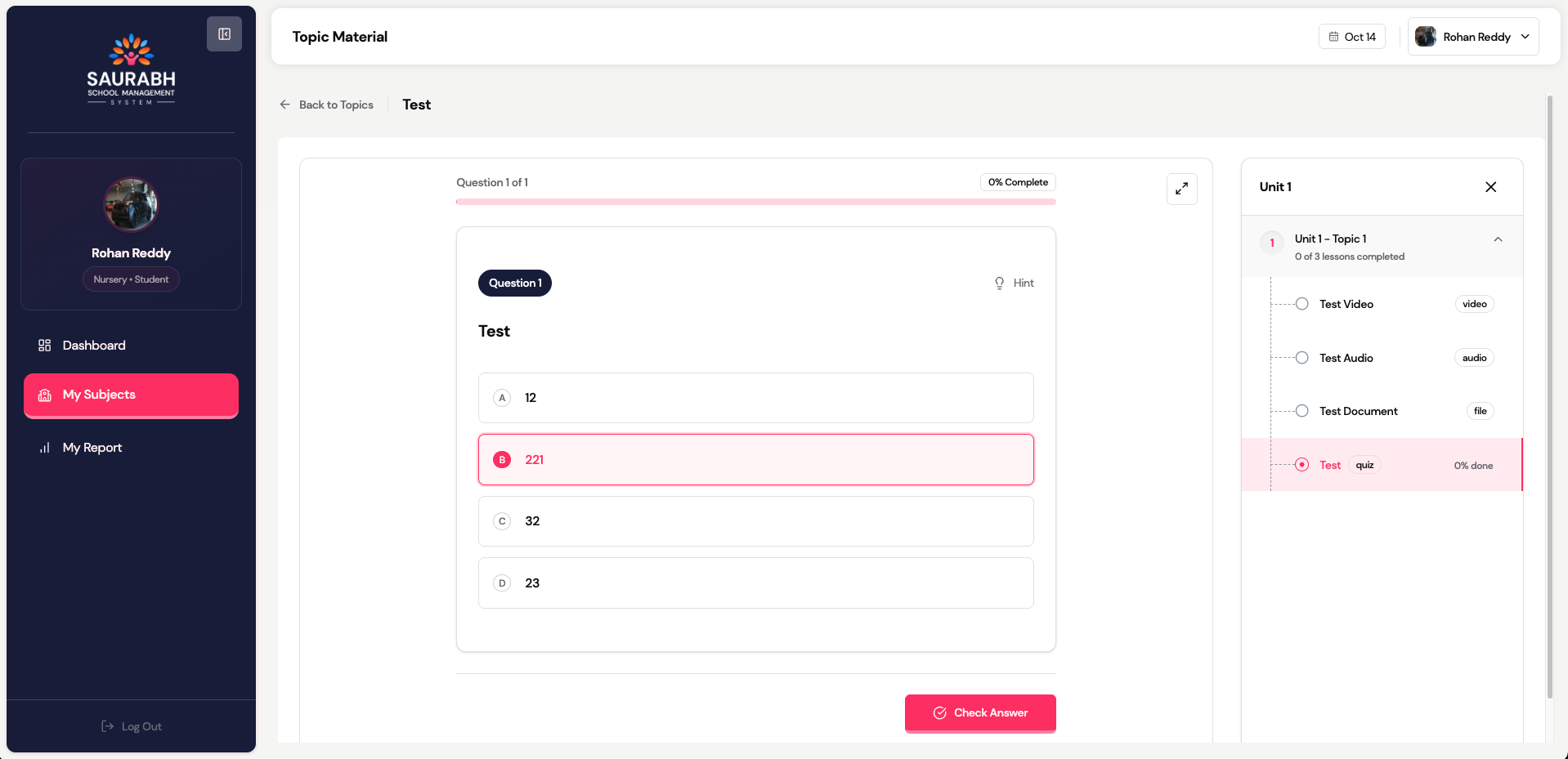
- Answer questions carefully
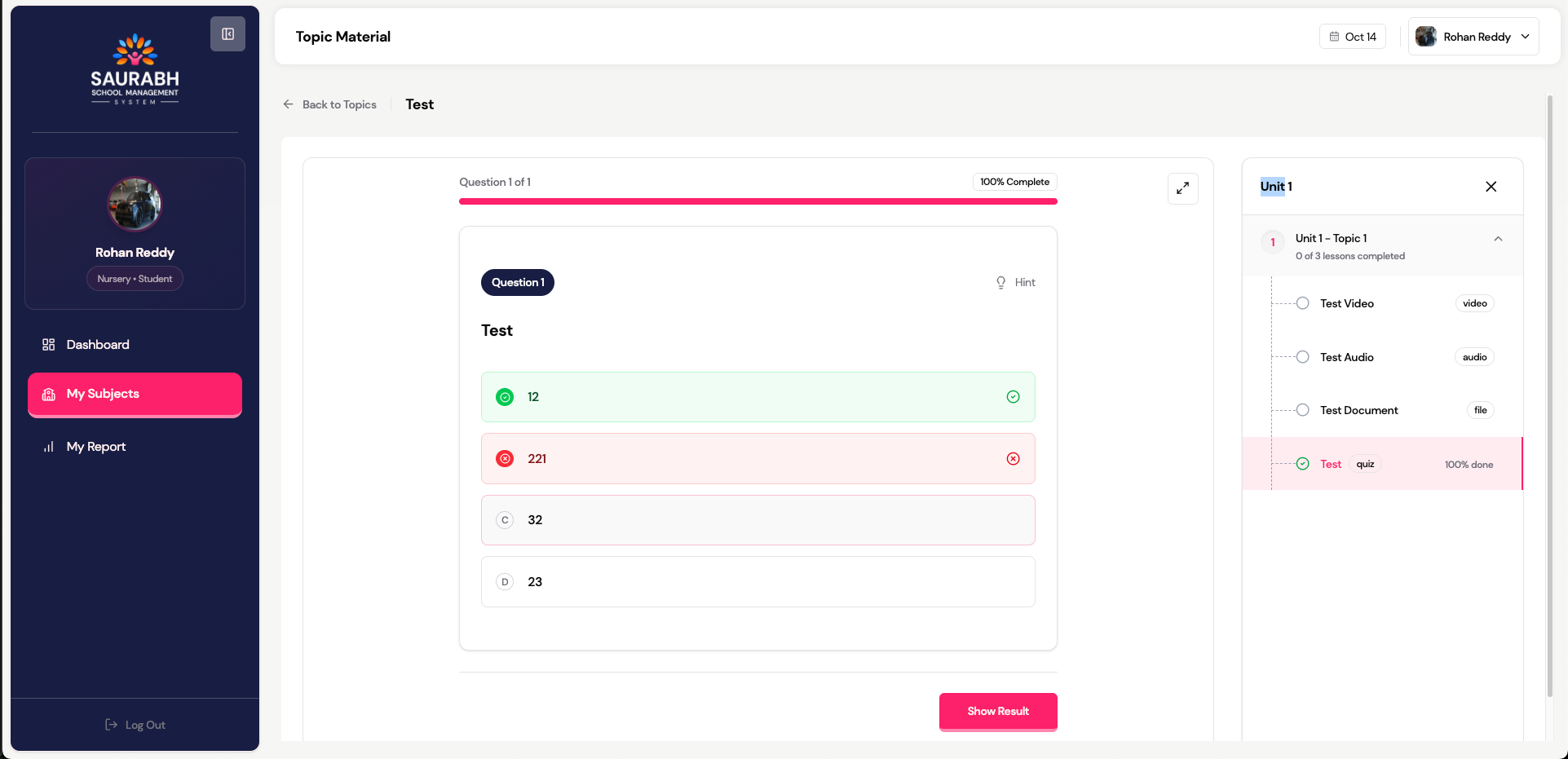
- Review correct answers if shown
- Retake quiz (if allowed) to improve score
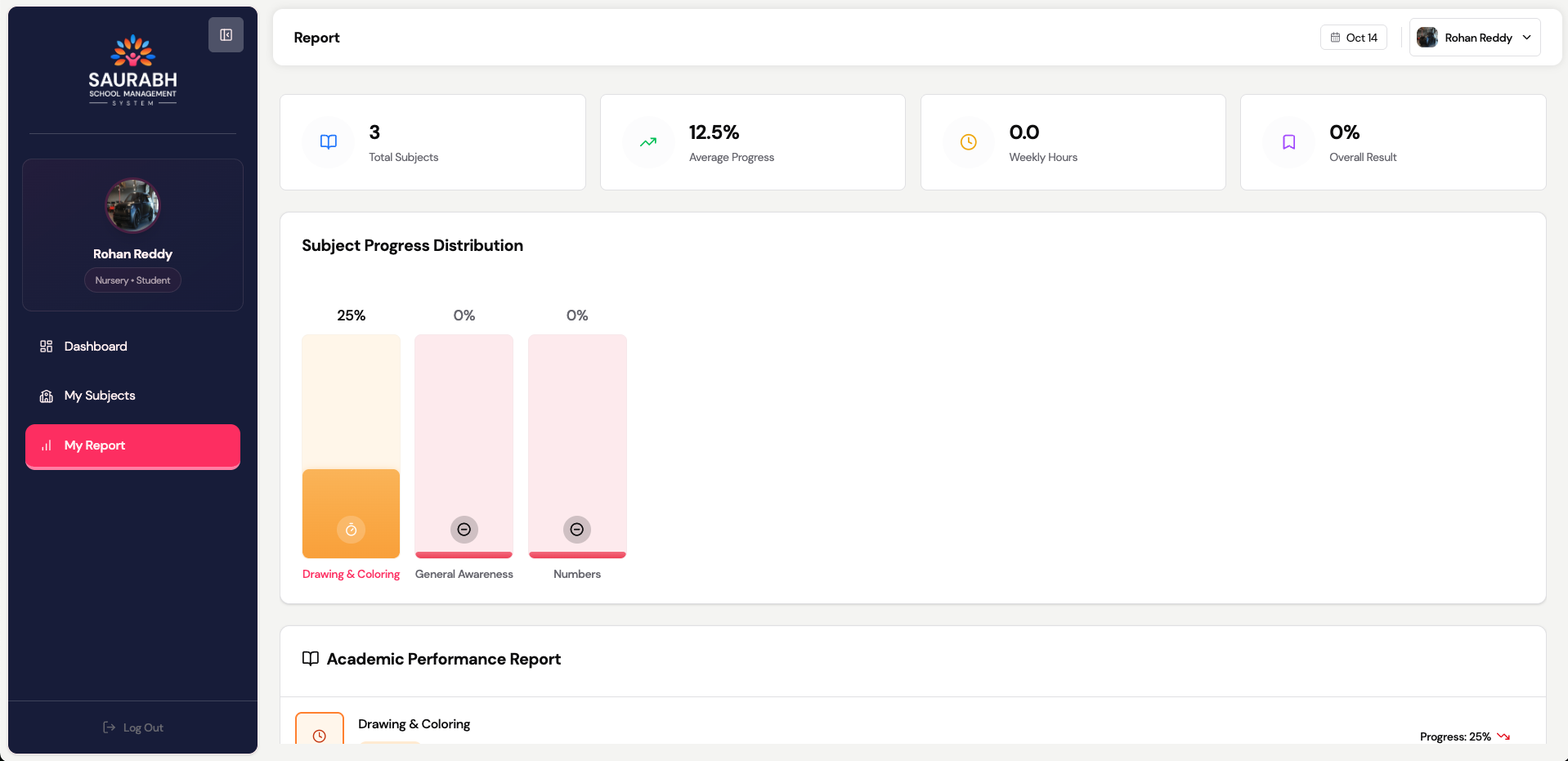
📊 My Report
Check:
- Subject-wise progress
- Weekly hours
- Overall performance & grades
💡 Study Tips
- Watch videos completely before quizzes
- Read PDF notes during study
- Retry quizzes to raise your average
- Review your To-Do section daily